Your Router and Firewall Need Patches Too. This Week Proved It.
Quick question: when did someone last update the box that connects your office to the internet? If you can’t answer, you’re in good company. This week’s headlines say that’s a problem worth fixing.
What happened this week
Cisco released fixes for a dozen critical vulnerabilities. SonicWall, whose firewalls sit in plenty of small offices, patched flaws that could let attackers get past login protections or run their own code. Citrix pushed an urgent patch for its NetScaler remote-access gear. And several US states are now going after TP-Link over router security flaws.
Different brands, same lesson: the gear at the edge of your network is a computer running software, and software has bugs.
Why this matters more than a laptop update
Think of your router and firewall as the lock on your front door. You wouldn’t keep using a lock you knew could be picked in seconds. Yet that’s what an unpatched firewall is.
It faces the whole internet
Attackers don’t pick targets by hand. Automated tools scan the internet around the clock looking for devices with known flaws. A small office isn’t too small to be found.
Nobody feels responsible for it
Someone installed it years ago. It works, so nobody touches it. That’s exactly how a device ends up three years behind on updates.
One weak box exposes everything behind it
Your files, your point-of-sale system, your cameras and your staff’s laptops all sit behind that device. If it falls, the attacker starts inside your building.
Three places small offices get caught
The set-it-and-forget-it firewall
Installed once, never updated. It keeps humming along, quietly out of date.
The router your internet provider handed you
It’s easy to assume the provider keeps it current. Often nobody does. If it came free with your plan, find out who is responsible for updating it.
Gear the vendor has retired
When a manufacturer stops supporting a model, new flaws never get fixed. No setting makes that safe. The only fix is replacement.
What you can do this week
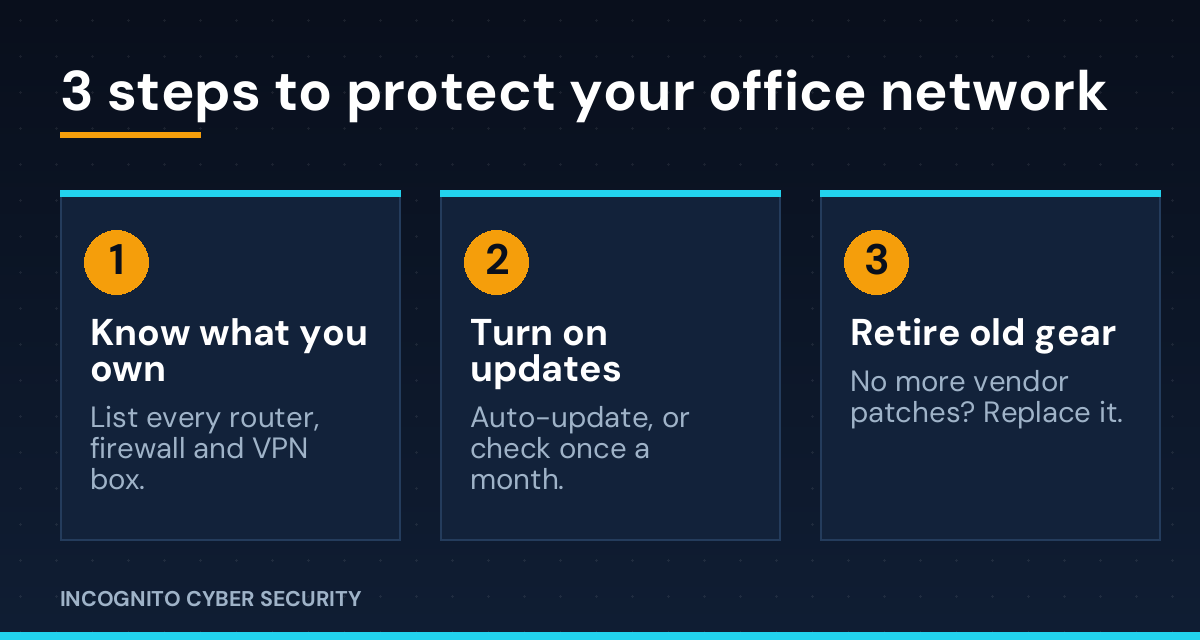
- Make a list. Write down every router, firewall, VPN box and Wi-Fi access point, with brand and model.
- Check the firmware. Log in, or ask your IT provider, whether each device is on the current version.
- Turn on automatic updates. If the device can’t do that, set a monthly calendar reminder.
- Lock the admin door. Change default admin passwords and turn off remote administration from the internet unless you truly need it.
- Check the support status. If the vendor no longer patches your model, put a replacement in this quarter’s budget.
- Test your backups. If something does get through, a tested backup is what keeps you in business.
This is the kind of work our small business cyber security solutions take off your plate. Our endpoint protection covers the computers behind your firewall, our secure data backups are your safety net, and spam and virus filtering stops a lot of trouble before it arrives. Your team matters too: see our cybersecurity awareness training. If you missed it, read Your Software Vendor Got Hacked. Is Your Data in the Pile? for the vendor side of the same story, or browse all our posts.
The bottom line
Patching isn’t glamorous, but it is cheap compared to a breach. The router and firewall are the easiest devices to forget and the first ones attackers test. Put them on a schedule and this week’s headlines become someone else’s problem.
Not sure when your firewall was last updated?
We’ll look at your network and tell you plainly where you stand. No pressure, no jargon.
Send us a message
— Nemuel Cruz, Incognito Cyber Security
Sources: SecurityWeek, Cisco Patches a Dozen Critical Vulnerabilities; SonicWall and Splunk Patch Critical Vulnerabilities; TP-Link Faces State Lawsuits and New Scrutiny Over ISP Router Flaws (October 8, 2026).